
AI Employee in CRM: what it's for, how it works, where it's used
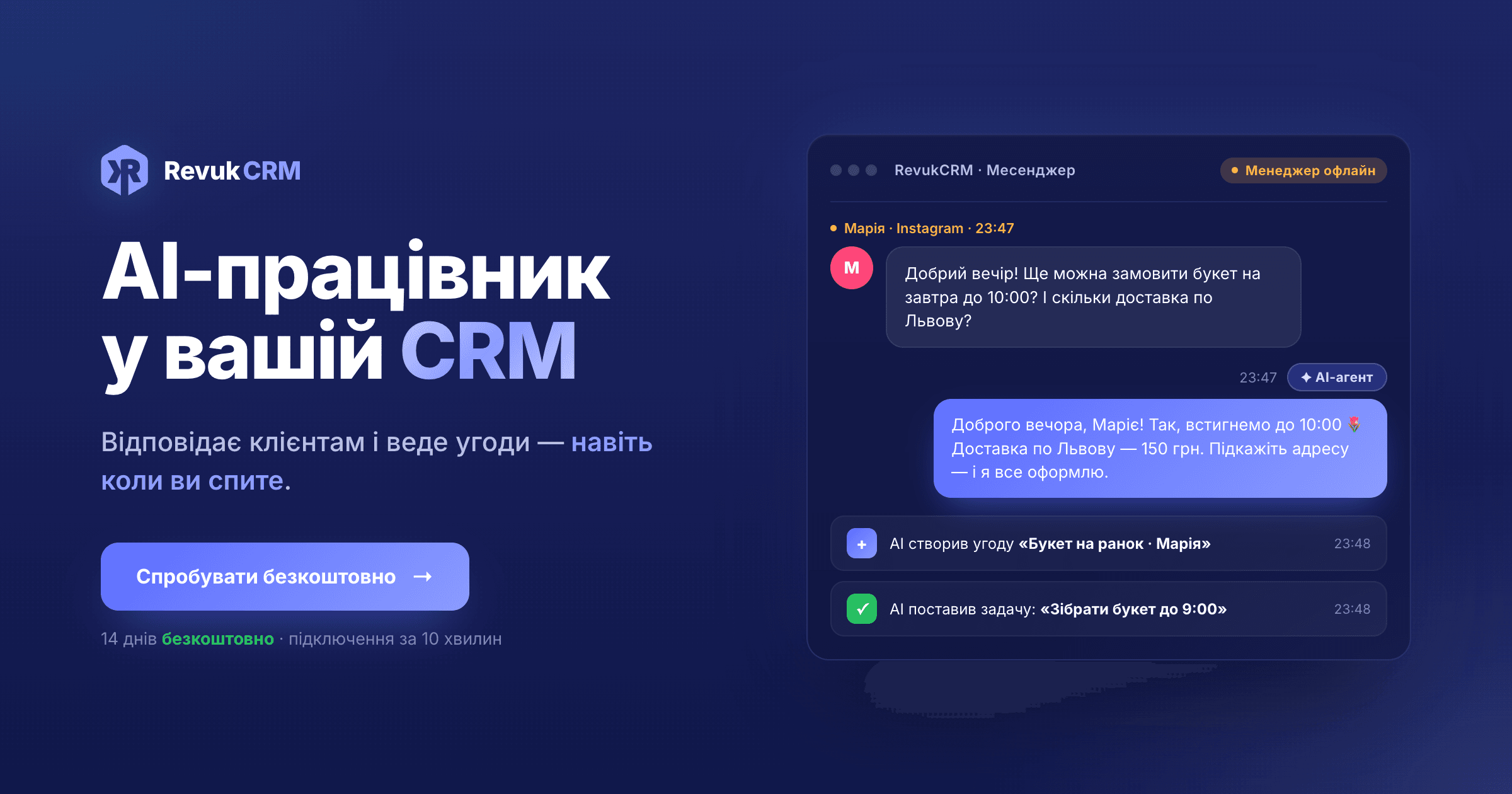
AI Employee is a tool that plugs artificial intelligence into your CRM. Instead of the AI working "somewhere in a browser," it lives inside your system: it sees client chats, deals, tasks, contacts — and knows how to work with all of them, like a manager. It replies to clients, books deals, assigns tasks, hands complex queries off to a human.
📘 Already familiar with the concept and looking for a step-by-step setup with screens? There's a separate tutorial.
Below — how it works, what it can do, and where it's actually used.
How it works — in plain words
Imagine you've hired a new manager. On day one, you tell them: "We're a coffee shop in central Lviv. Our hours are X. Delivery works like this. If the question is unusual — call me." They nod, sit down at their desk, and start replying to clients.
AI Employee works the same way, with a few differences:
- You describe the business in text — in plain form, no code or technical terms. Who you are, how you speak with clients, what to answer to common questions, when to hand off to a human.
- The AI reads your chats in real time — from every connected channel at once.
- It writes a reply and either drops it into Drafts for your review (confirmation mode), or sends it to the client immediately (autonomous mode).
- In parallel it acts inside the CRM — books deals from leads, assigns tasks to the team, sets owners.
All this — a few seconds after the client hit "send."
What it can do
AI Employee's capabilities split into four groups.
1. Talking to clients
- Replies to messages in every connected channel — Telegram, Viber, WhatsApp, Facebook, Instagram, TikTok.
- Speaks in your tone, with your info — prices, hours, products, delivery terms.
- Carries on a dialogue — remembers earlier messages in the chat.
- Recognises the language (Ukrainian, English) and replies in whatever the client wrote.
2. Working inside the CRM
- Creates new deals from leads.
- Creates new contacts and fills their data from the conversation.
- Moves deals through the pipeline — changes statuses.
- Adds tags, notes, attaches files.
3. Working with the team
- Assigns tasks to other team members — florist, courier, manager.
- Sets owners on deals.
- Hands complex queries off to a human — pings you in the CRM: "this one's not for me, take a look."
4. A query panel for the operator
A separate live chat panel. Your manager can ask the AI in plain language about CRM data:
- "How many deals moved to Done over the last week?"
- "Which clients ordered more than 5 times?"
- "What open tasks are left on deal #2331?"
The AI pulls the data and answers — no filter or report-building needed.
Where it's used
AI Employee fits any business with client message flow and a CRM. A few real scenarios:
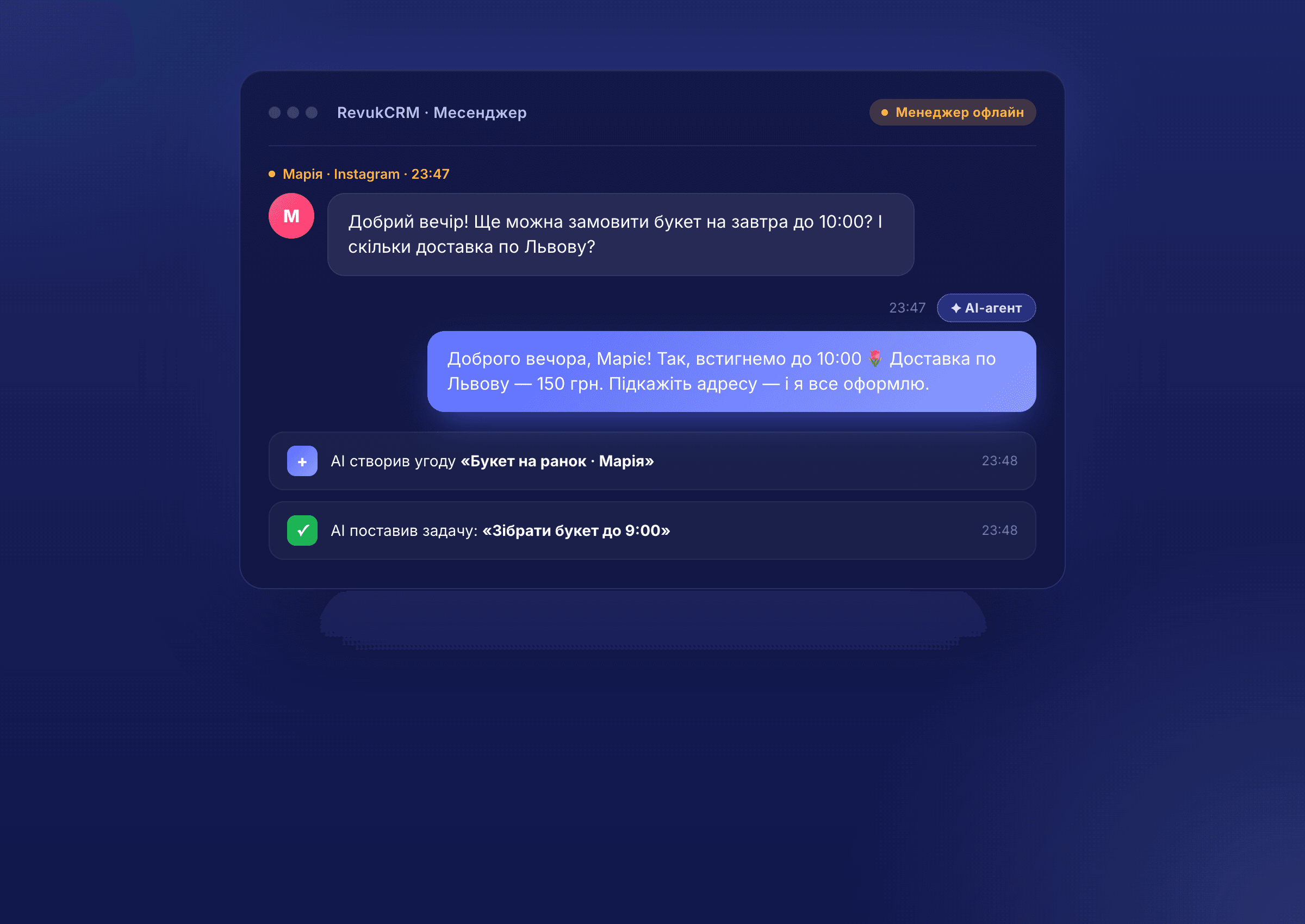
- A coffee shop with delivery or a florist. Clients message orders to Instagram at all hours. The AI takes the order, asks for address and time, books the deal, assigns "prep by morning" to the team.
- Beauty salon / services. Clients ask about open slots, prices, reschedule. AI replies, books, adds the client to the CRM, assigns a task to the master.
- E-commerce store. Stock questions, delivery, order status. AI pulls data from the CRM and answers without bothering a manager.
- Online courses / education. Questions about the program, schedule, payments. AI answers from the pinned playbook; tough cases (refunds, transfers) go to the admin.
- Service agencies (legal, design, marketing). Lead qualification — AI asks clarifying questions, fills a brief, assigns a manager only to qualified leads.
- B2B sales. AI filters cold traffic, collects contact data, hands only warm leads to a salesperson.
Rule of thumb: the more repetitive the client questions and the higher the volume — the more AI Employee saves you.
Try AI Employee free
14 days of full access, no card required. Connect your channels, describe your business, and watch how the AI handles your real chats.
What you configure
The AI isn't a "black box." Everything it operates on, you define yourself:
- AI model. Claude, OpenAI, Gemini or DeepSeek — your pick. Cheaper is faster, pricier is smarter. Switch any time.
- Memory (agent brain). Text files with your rules and data: tone, FAQ, prices, hours, instructions. Write them by hand or dictate to a trainer in a chat — it formats them for you.
- Triggers. Which CRM events wake the AI — new message, new deal, status change, new contact.
- Allowed actions. Tickbox what it can and can't do. Create deals — yes; delete contacts — no.
- Operating mode. "Confirmation required" — AI drafts, you approve. "Autonomous" — it acts on its own.
You can spin up several agents for different roles: one for sales, another for support, a third for owner analytics. Each with its own rules and permissions.
Who it fits
Useful if:
- You get 10+ client messages a day.
- You run several communication channels in parallel.
- Clients write outside business hours — and you lose part of those leads.
- A manager spends a lot of time on repetitive answers (hours, prices, stock, delivery).
- You have seasonal peaks and your team can't keep up.
Probably no win if you have 1-2 individual clients a day with unique projects — there a live conversation matters more than speed.
How to start
- Sign up for RevukCRM — 14 days of full access, free.
- Connect your channels — Telegram, Instagram, Viber, whatever you use.
- Install AI Employee from the widget catalog and describe your business in plain words.
- Launch in confirmation mode — AI drafts replies, you approve.
The first drafts arrive the same day. After a week or two, once you see it doesn't mess up, switch to autonomous mode — and it'll reply to clients on its own.
Connect AI Employee in 10 minutes
Sign up, pick a model, describe your business — and the AI will start replying to clients today. 14 days free, no card required.
💡 Need a step-by-step tutorial with every screen? Here's a separate article.
Tags