
Automation
AI Employee in RevukCRM: how to connect the widget
How to install the AI Employee widget in RevukCRM, configure an agent and fill its memory — manually or in a chat with the trainer.
Jun 12, 202610 min read
Tags
Deep guides with nuances and non-obvious scenarios.
How to install the AI Employee widget in RevukCRM, configure an agent and fill its memory — manually or in a chat with the trainer.
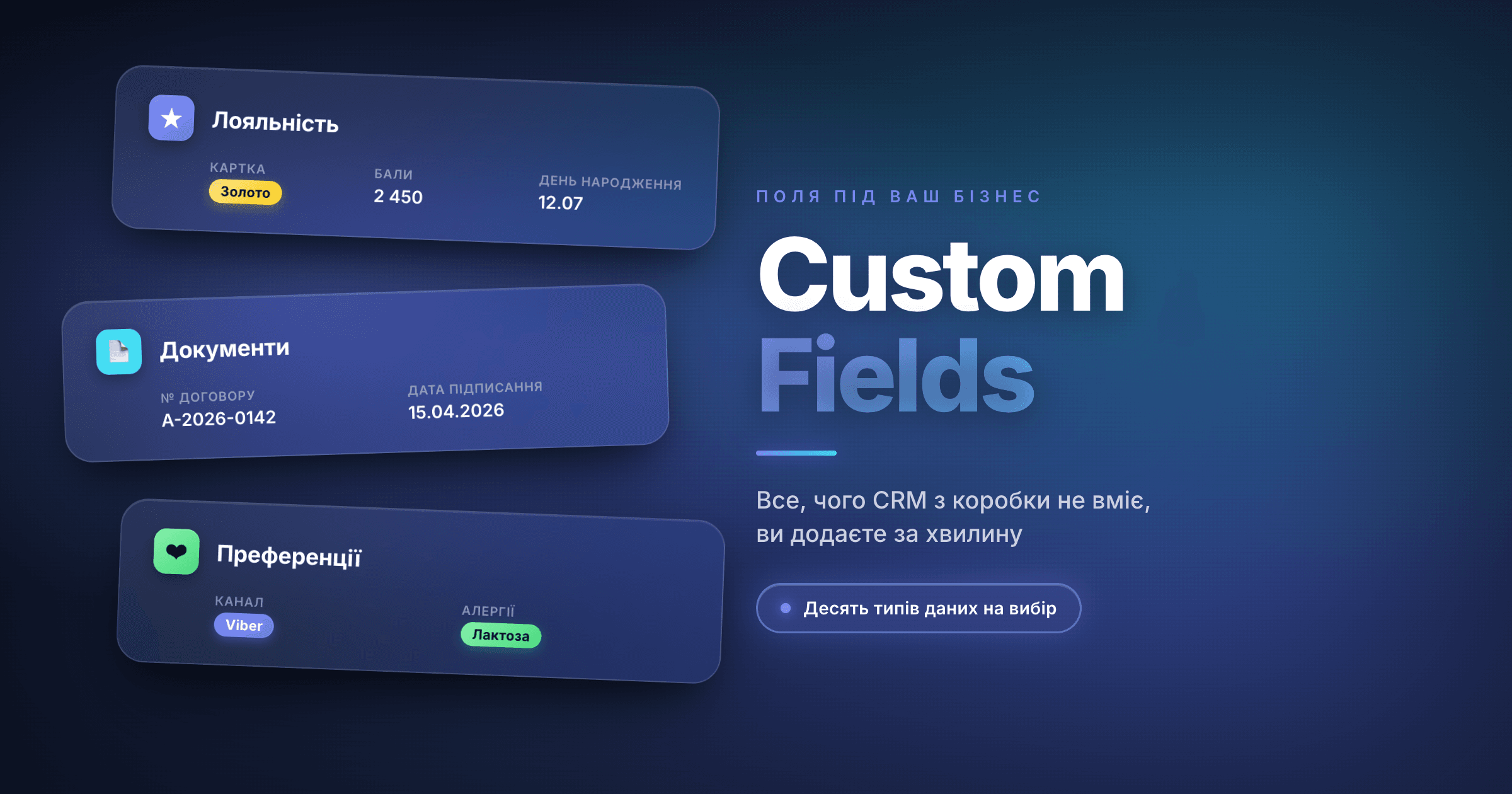
RevukCRM lets you add any fields you need to contacts and deals: loyalty card, birthday, project budget, contract number — anything. Step-by-step guide with examples.